HeyFonty — Font Browser
A browser-based tool for previewing, comparing and pairing the fonts installed on your computer
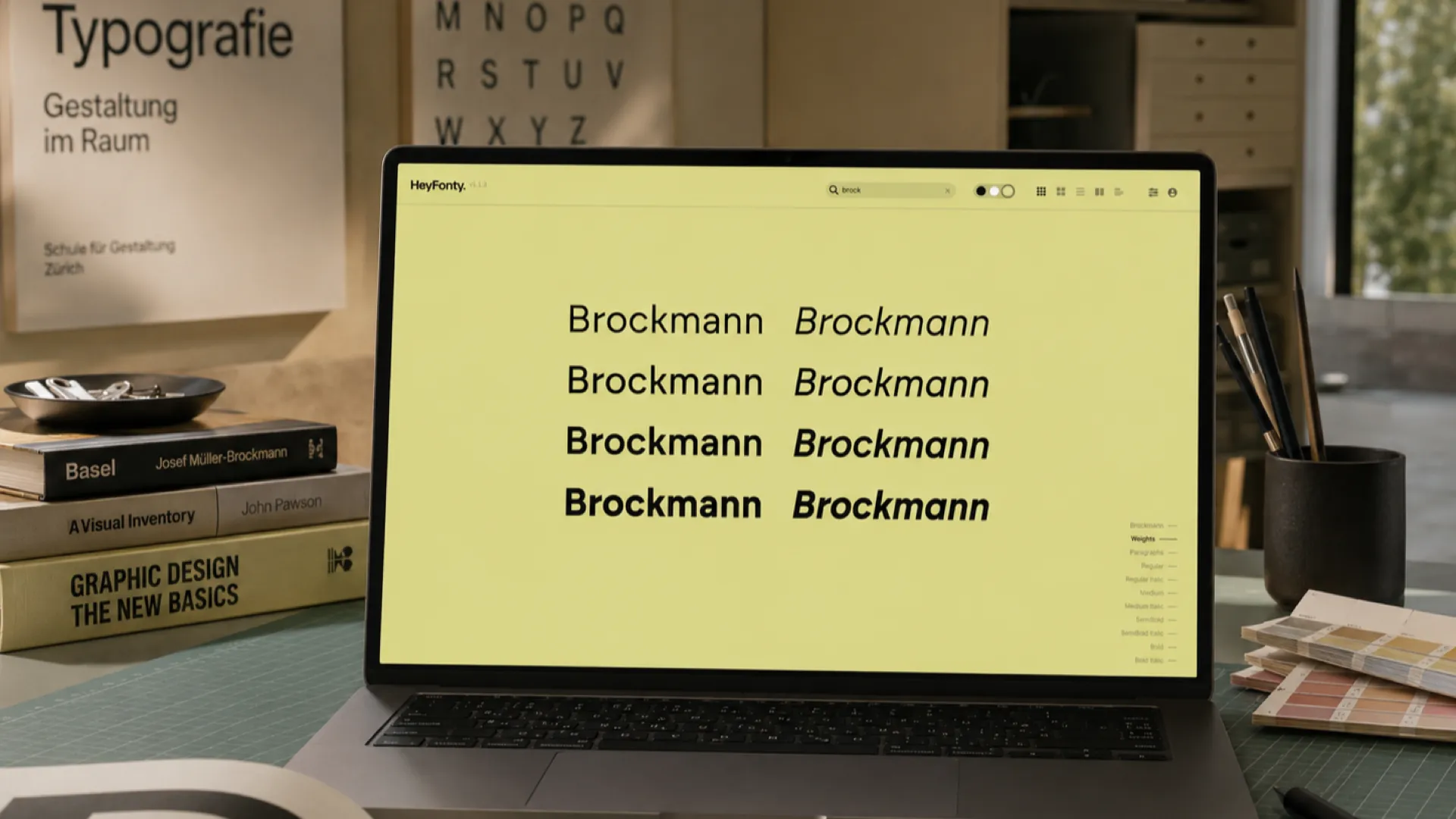
Find and test the fonts installed on your computer.
HeyFonty is a browser-based tool that turns installed fonts into a visual library. Search by name or style, replace the preview text, and switch between grid and list views. It is free to use and requires no account.
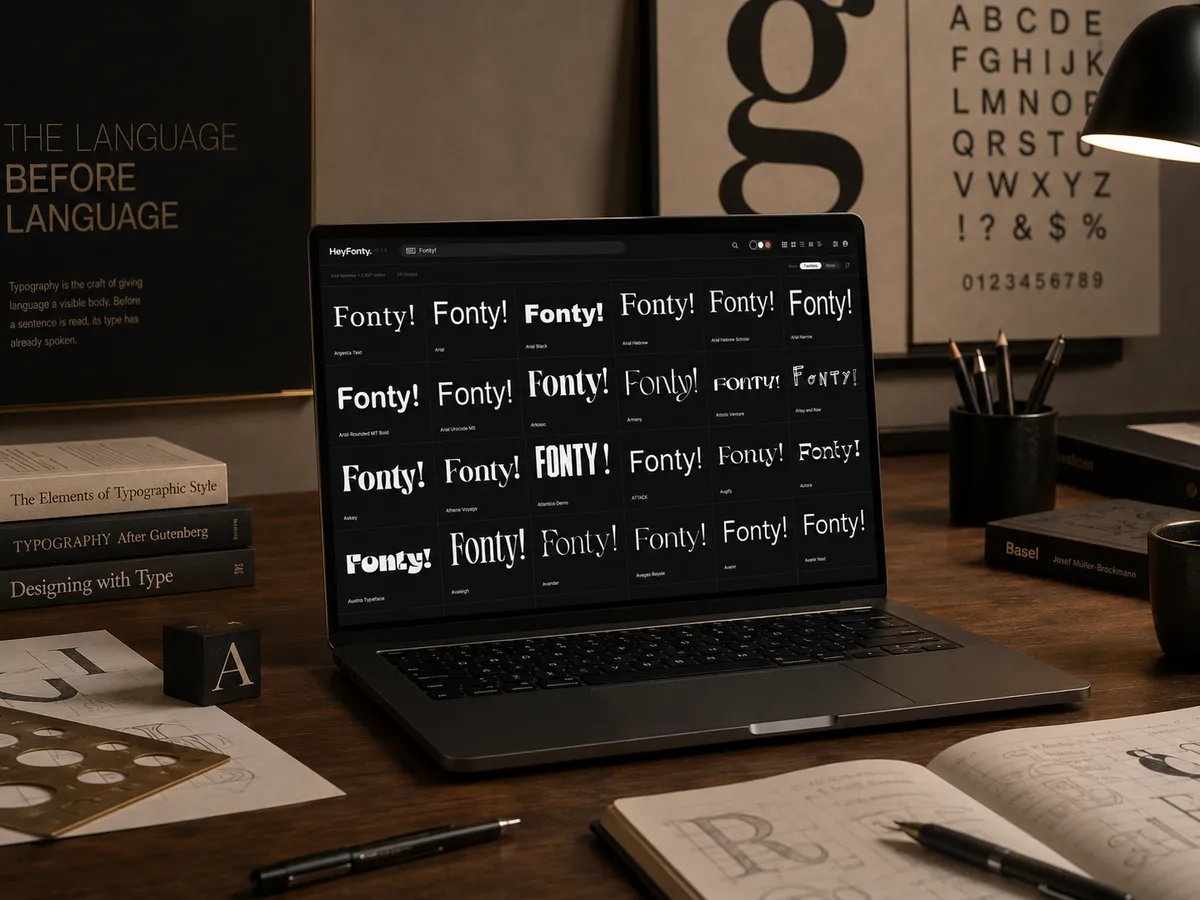
Preview the same word across every installed font.
The entire library updates as the preview text changes. Grid and list views support different ways of scanning, while search, style filters and family counts help narrow the results.
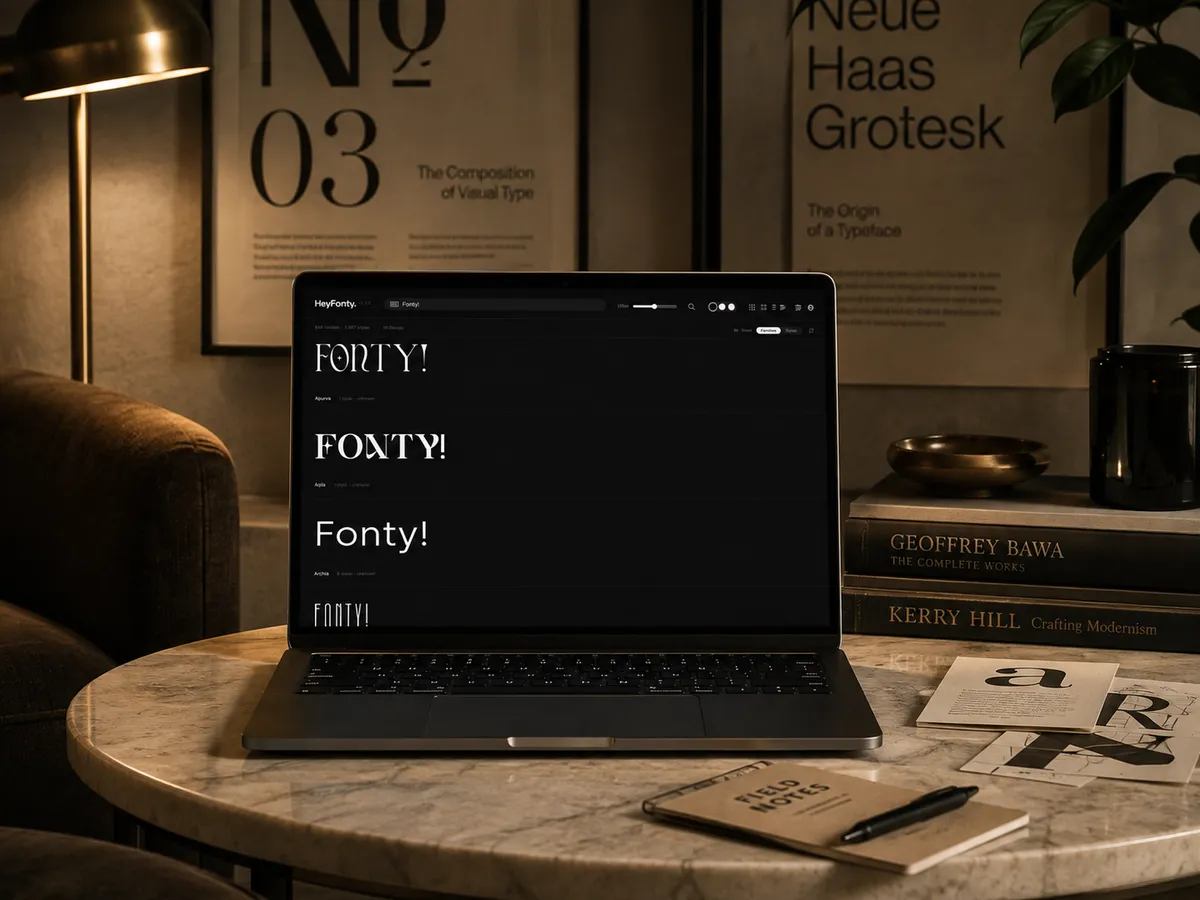
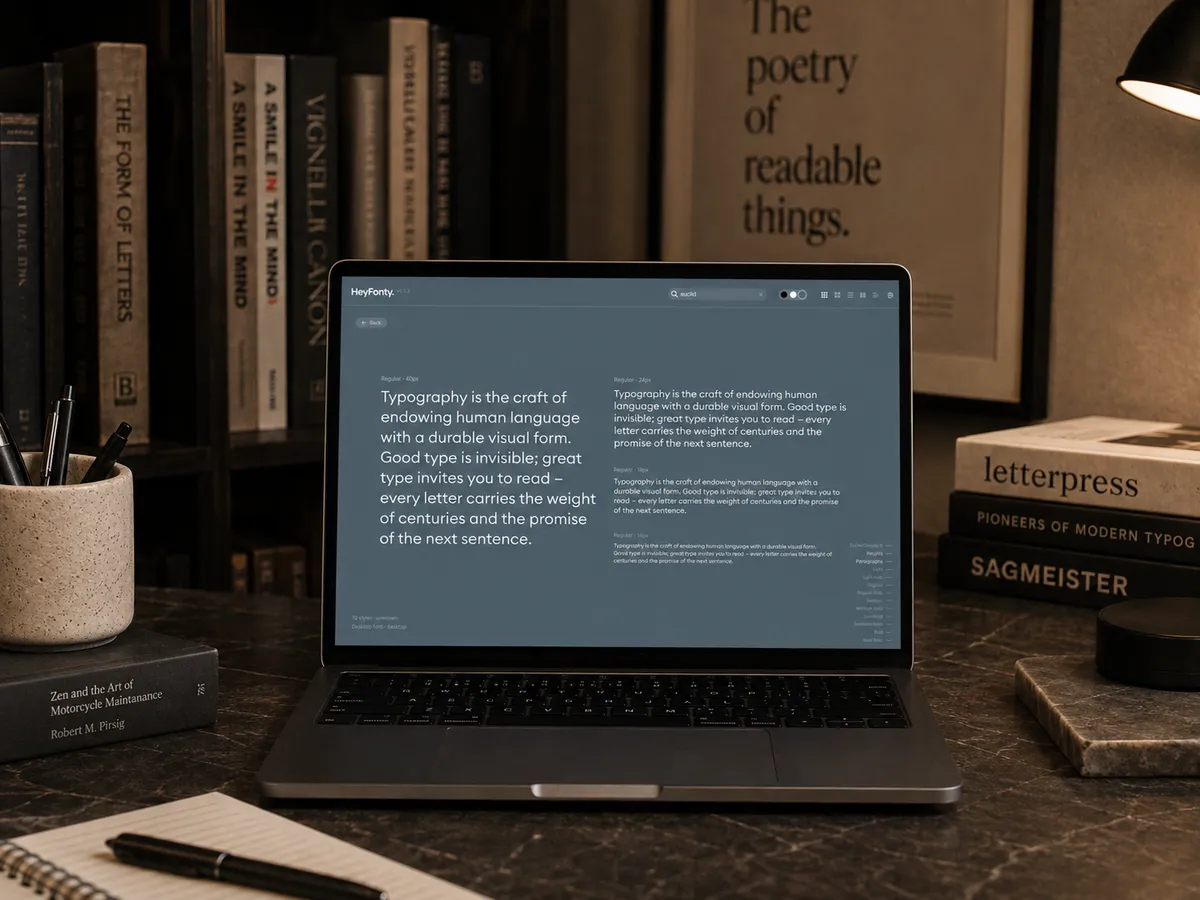
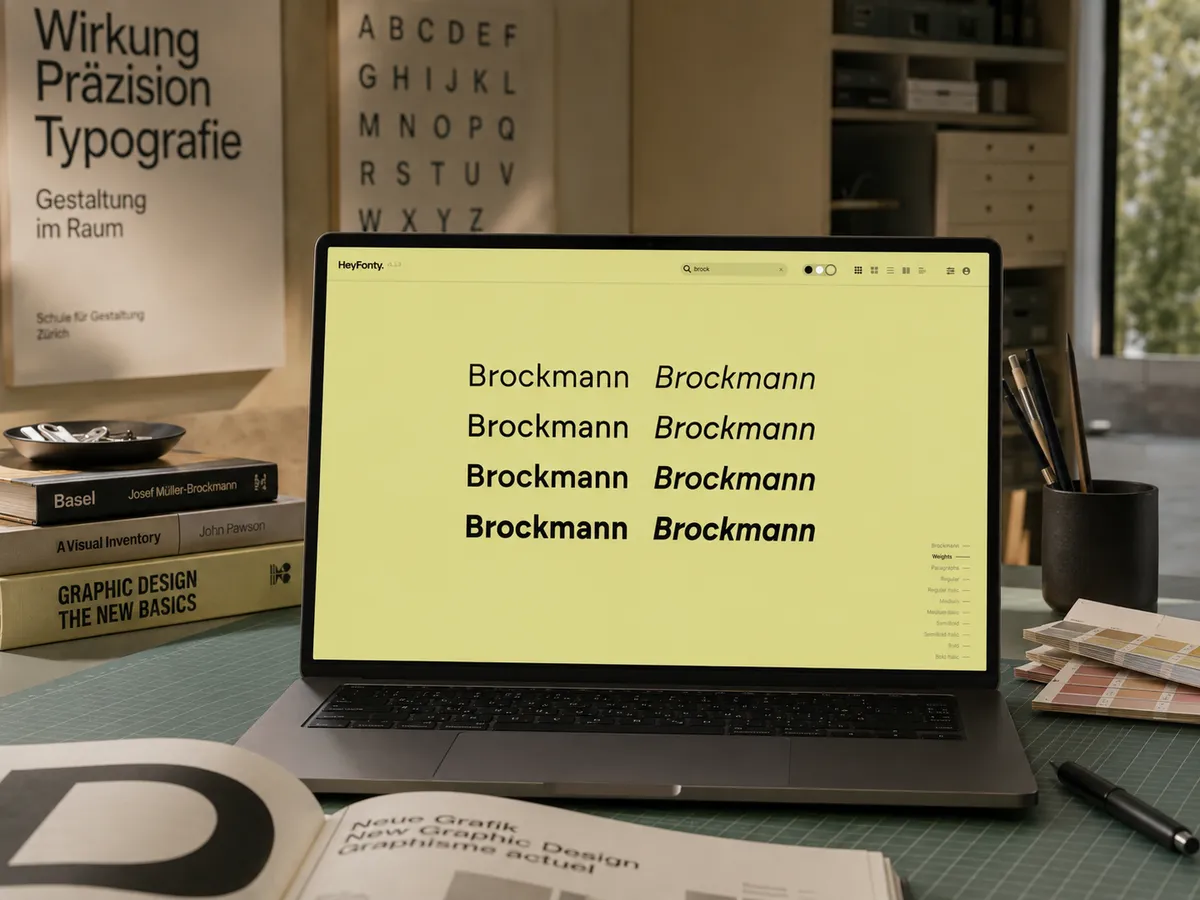
Inspect a type family across sizes, weights and styles.
The specimen view displays a family at a large scale and lists every available weight. Paragraph and weights views test it in longer text, smaller sizes and roman and italic styles. Comparison mode places up to four shortlisted families side by side.

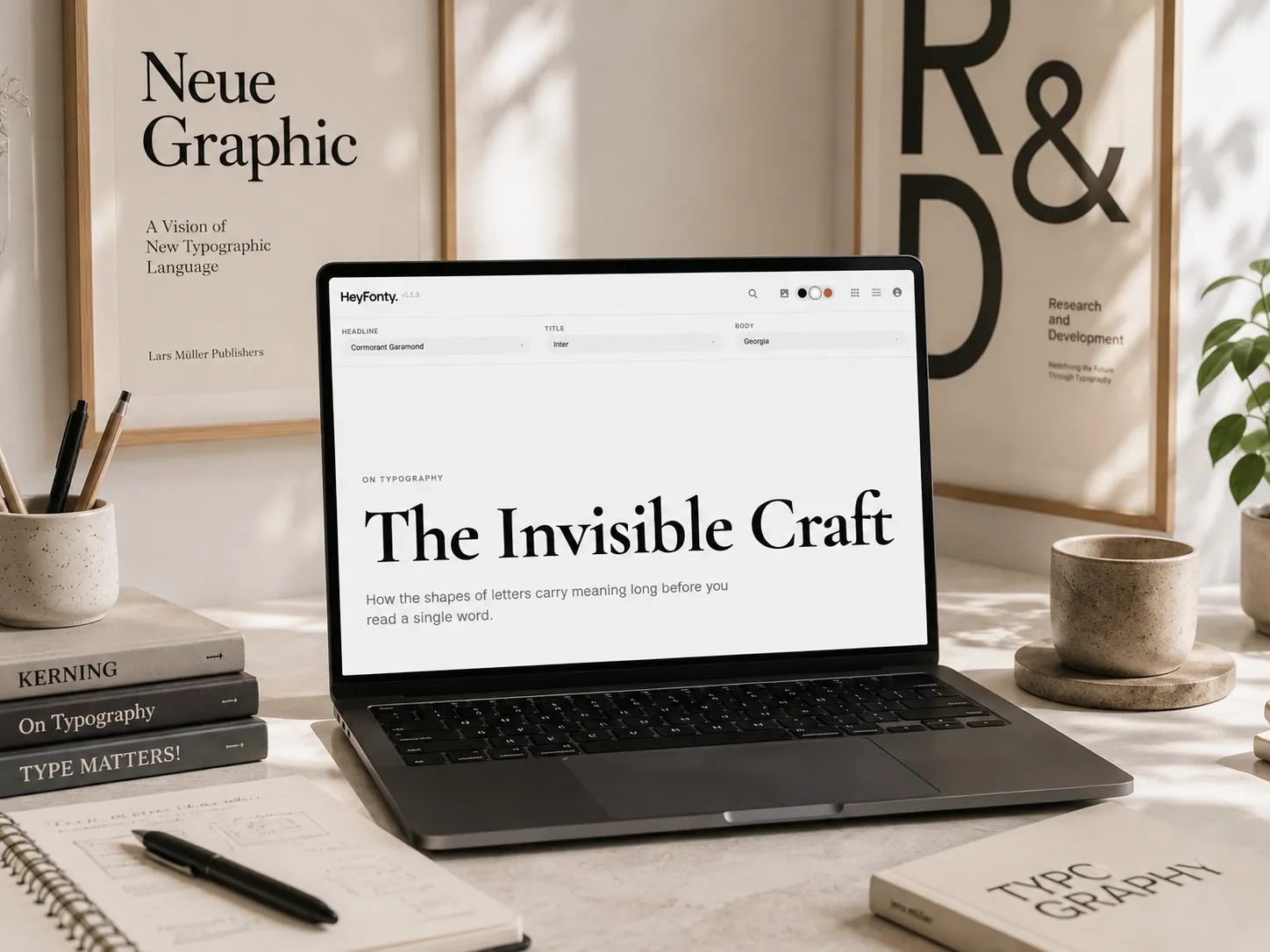
Test headline, title and body fonts together in a live layout.
Each text level has its own font selector, and the article preview updates with every change. The canvas colour can also be adjusted, with the text contrast updating to match.