Klipster — Ad Management Platform
A self-service platform for shop owners to create, publish and measure coupon campaigns across one or more locations
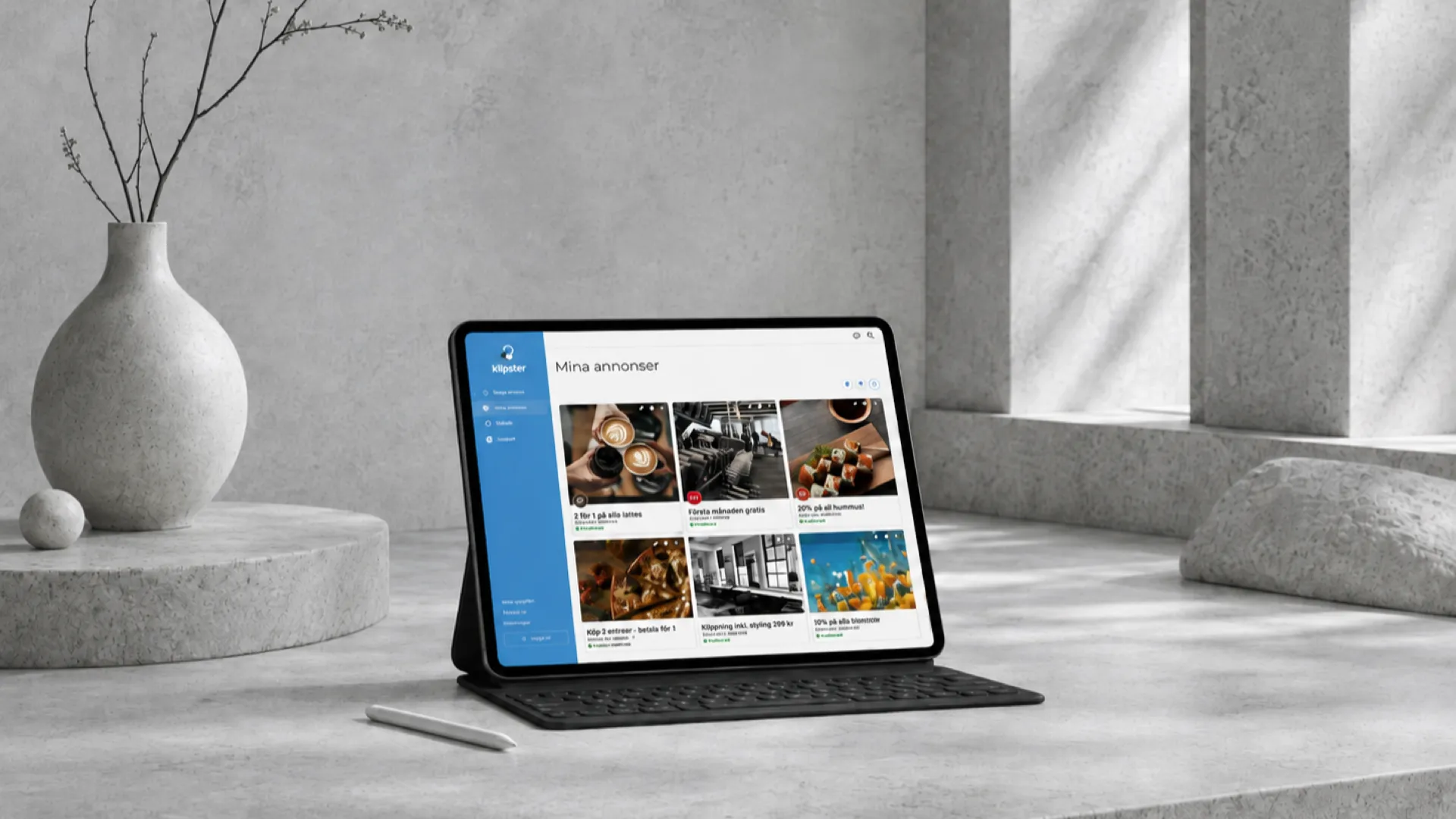
A campaign tool designed for shop owners.
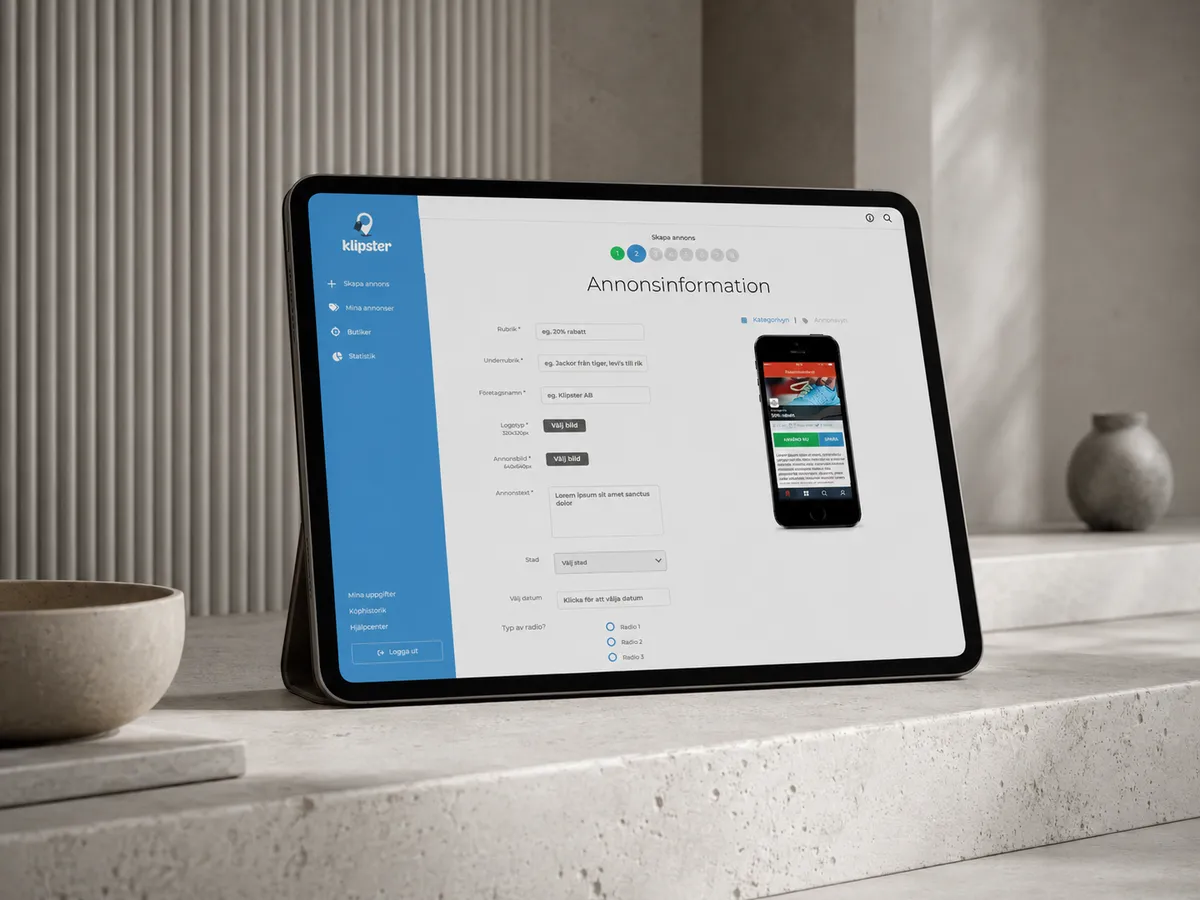
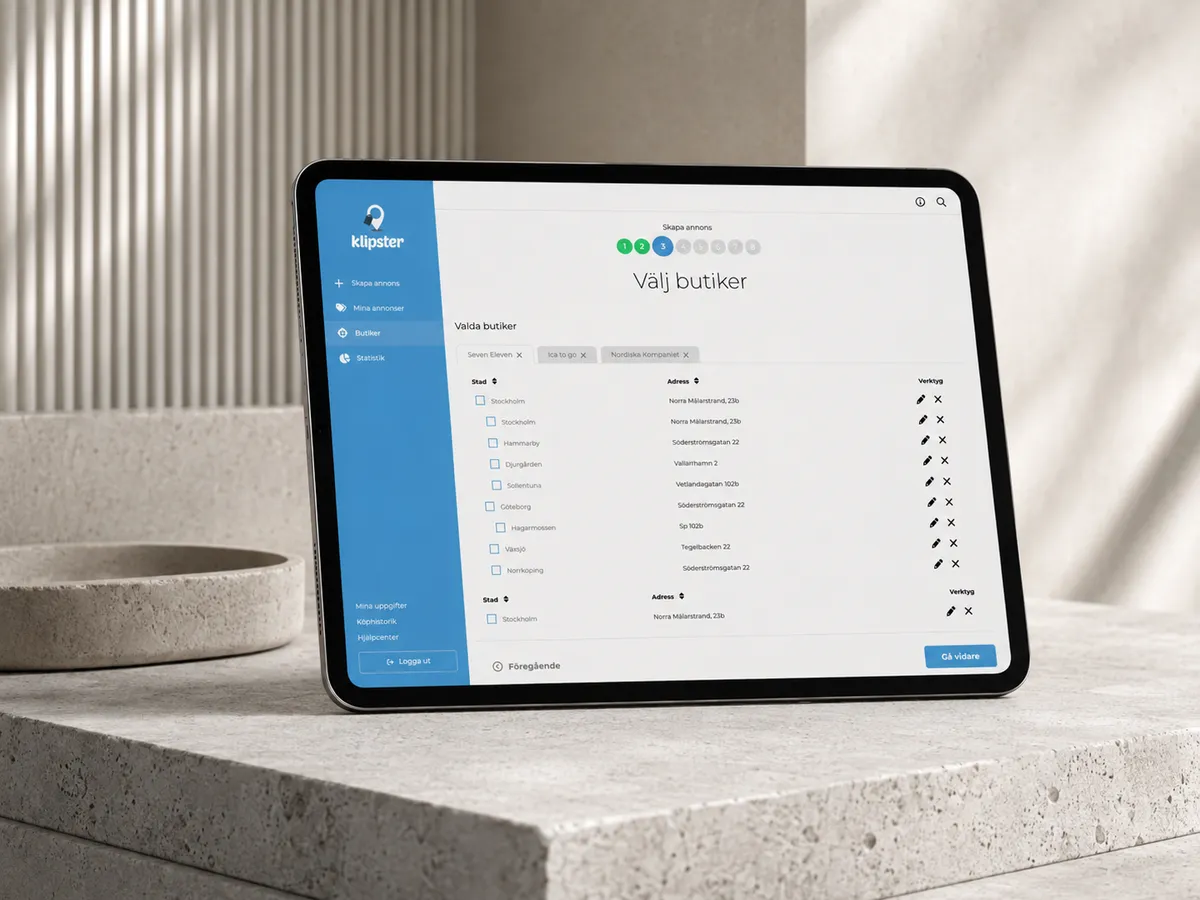
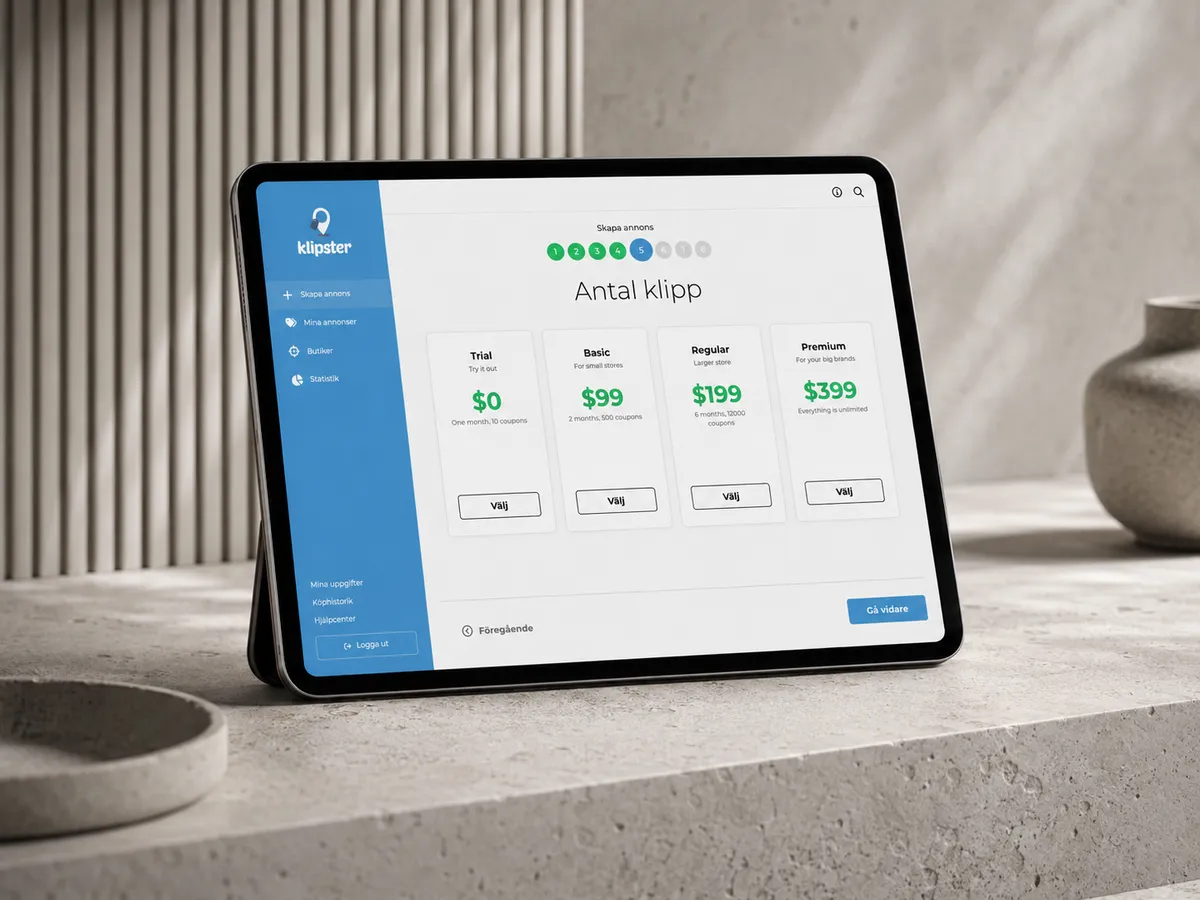
Klipster allowed shop owners to create coupon offers, choose the stores where they would run, buy a redemption package and track performance. The workflow was divided into eight steps so each part could be completed in order and a saved campaign could be continued later.
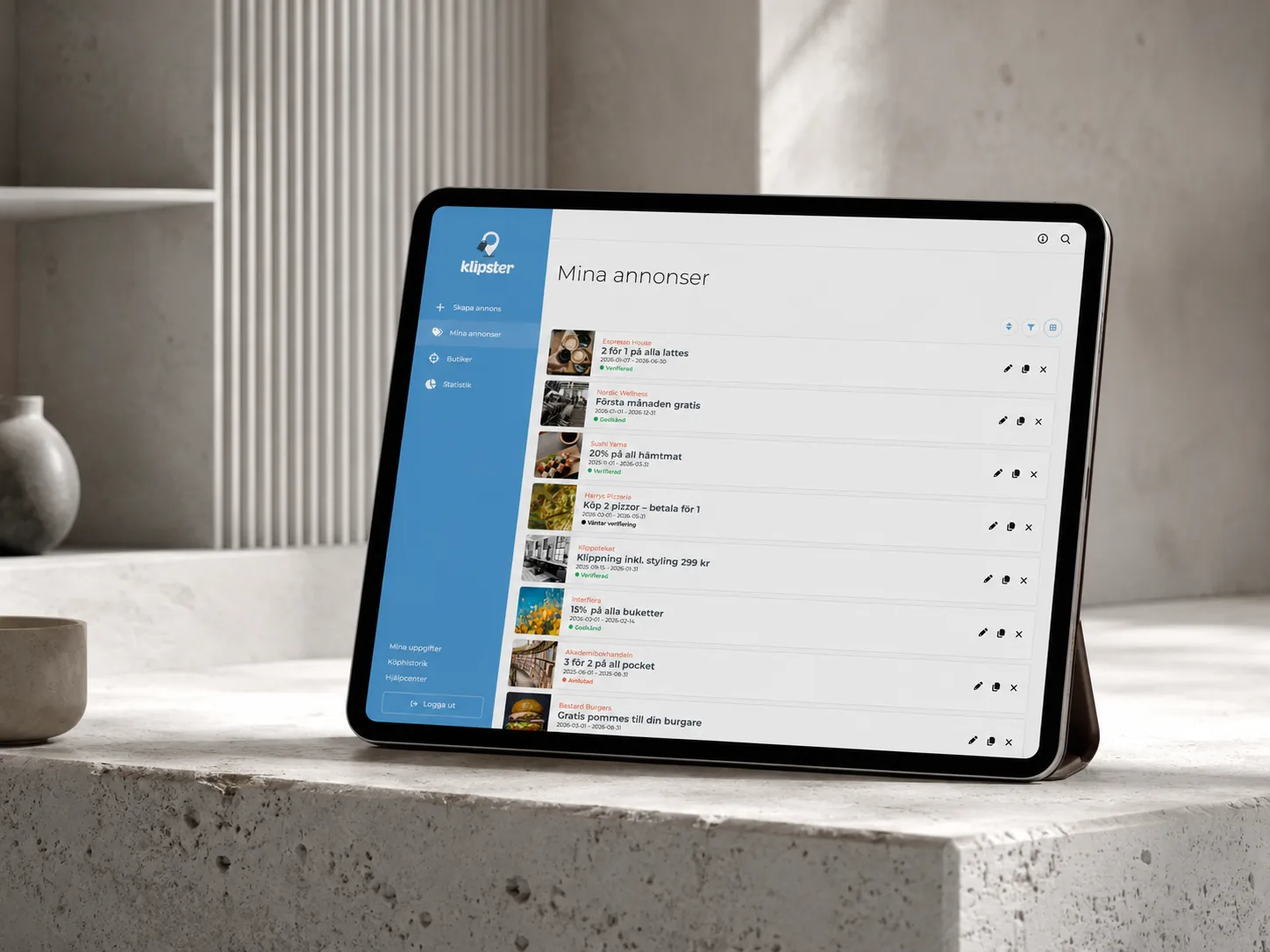
Eight steps from offer template to payment.
The flow begins with the type of offer, then moves through copy, imagery, dates, locations and number of redemptions. A live preview shows how the coupon will appear in the consumer app, while the cost remains visible before purchase.
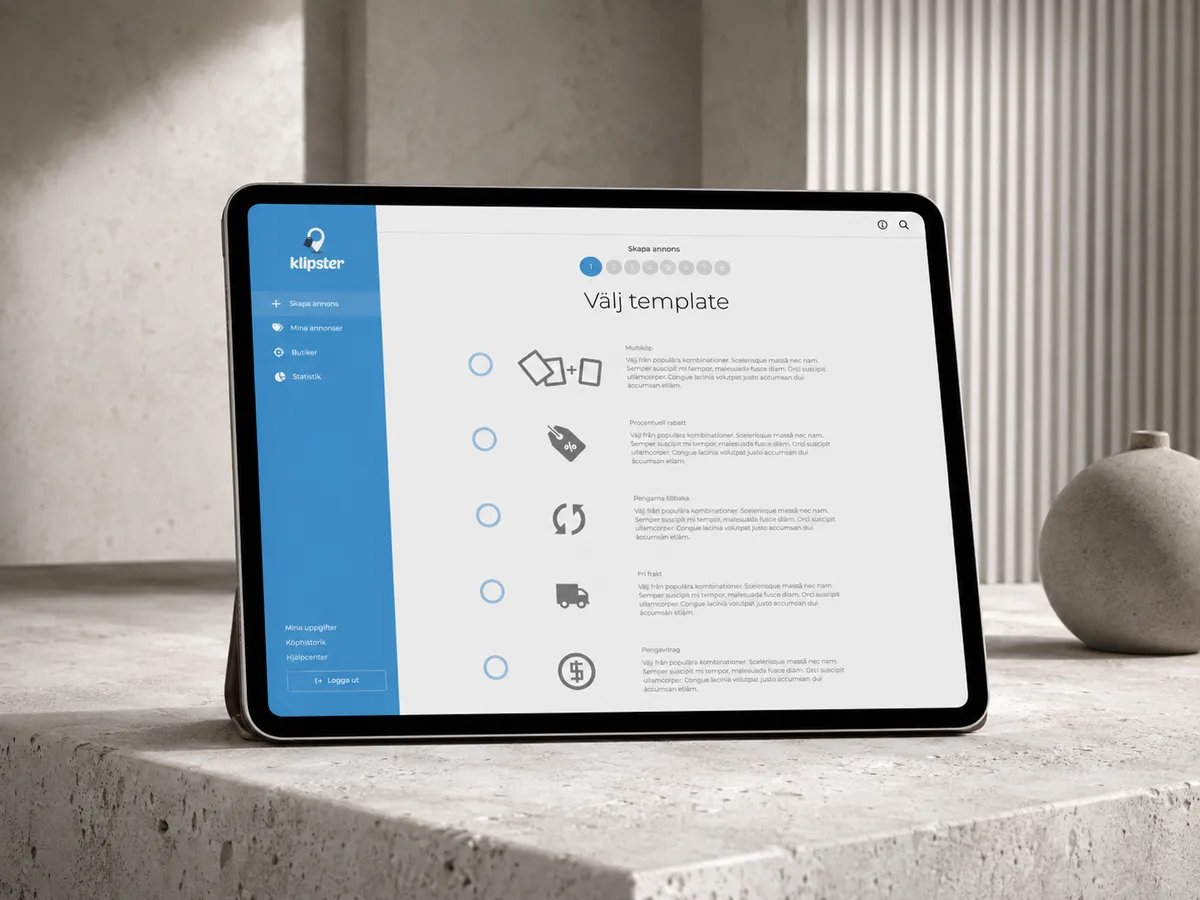
Campaign status, dates and location at a glance.
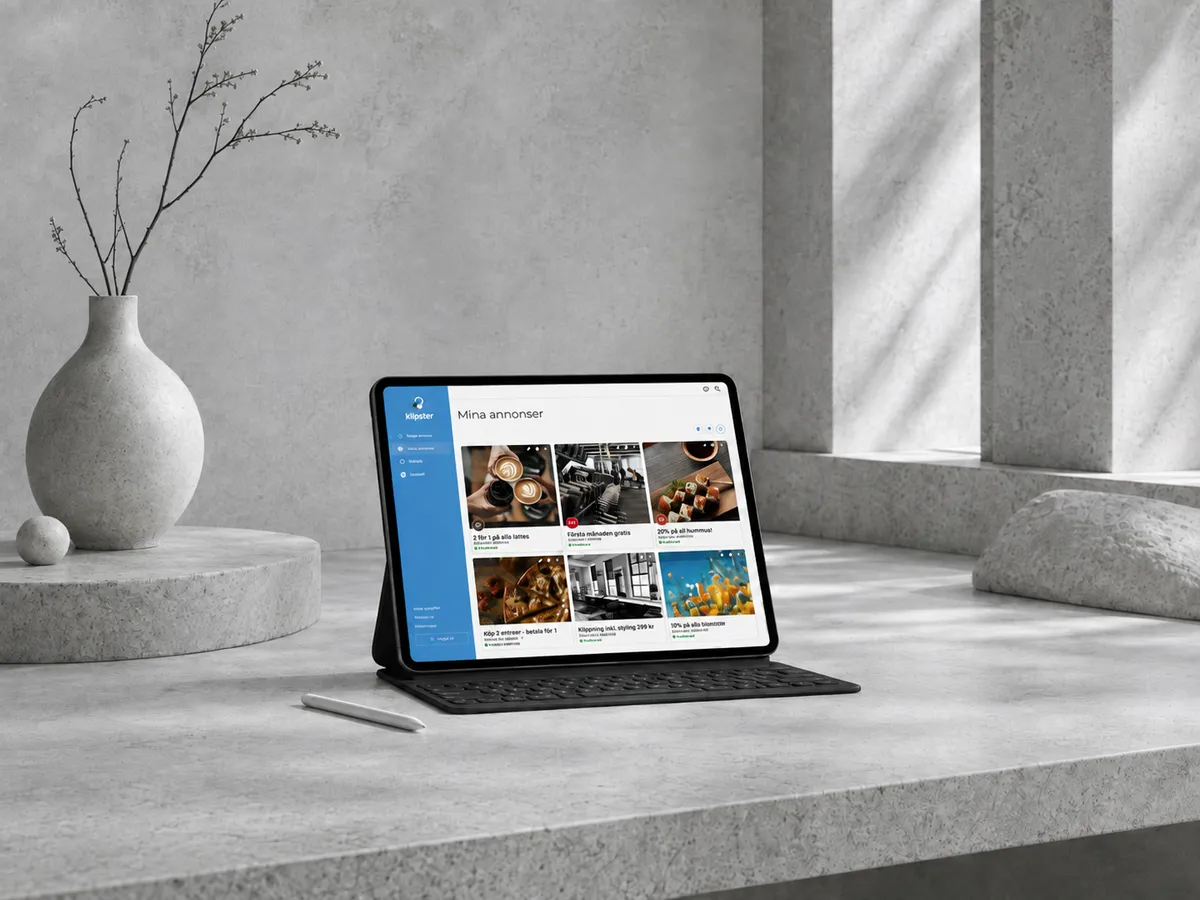
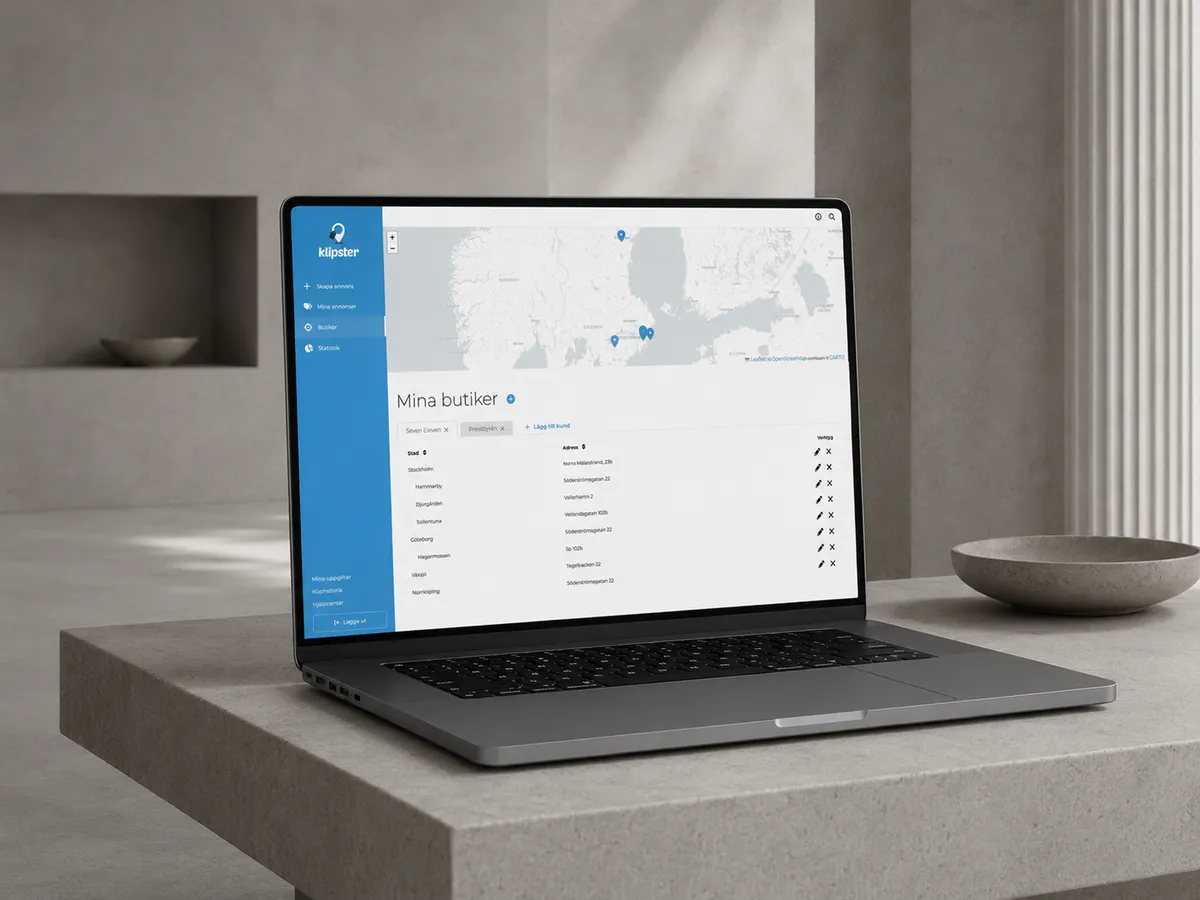
The campaign overview shows each offer with its artwork, active dates and current status. Shop owners can switch between list and grid views, duplicate or edit campaigns, and manage store locations from the same account.
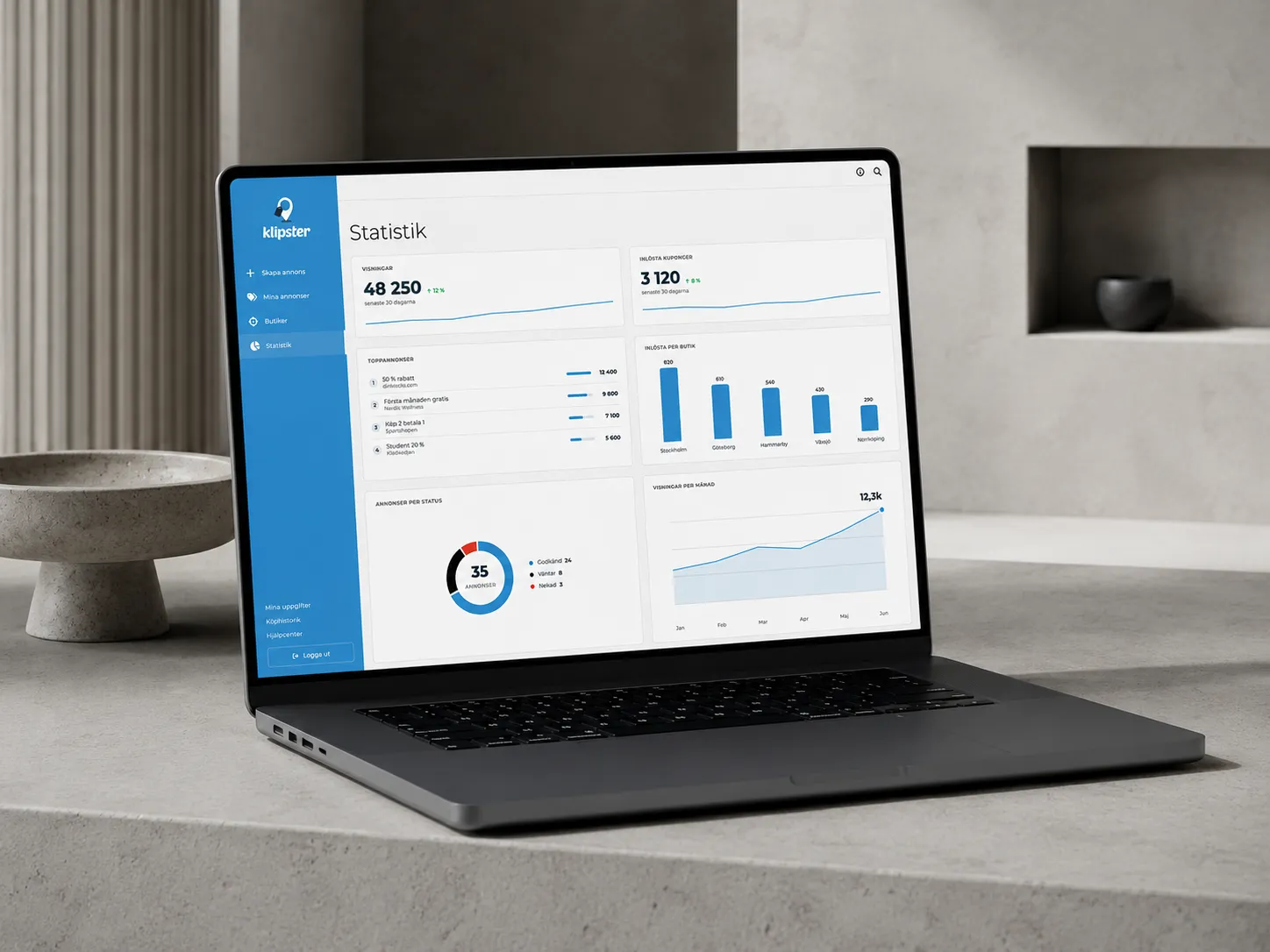
Views, redemptions and results by campaign and store.
The dashboard combines total views and redemptions with trends over time, top-performing campaigns, campaign status and redemptions per location. This allows a shop owner with several stores to see where an offer performed best.
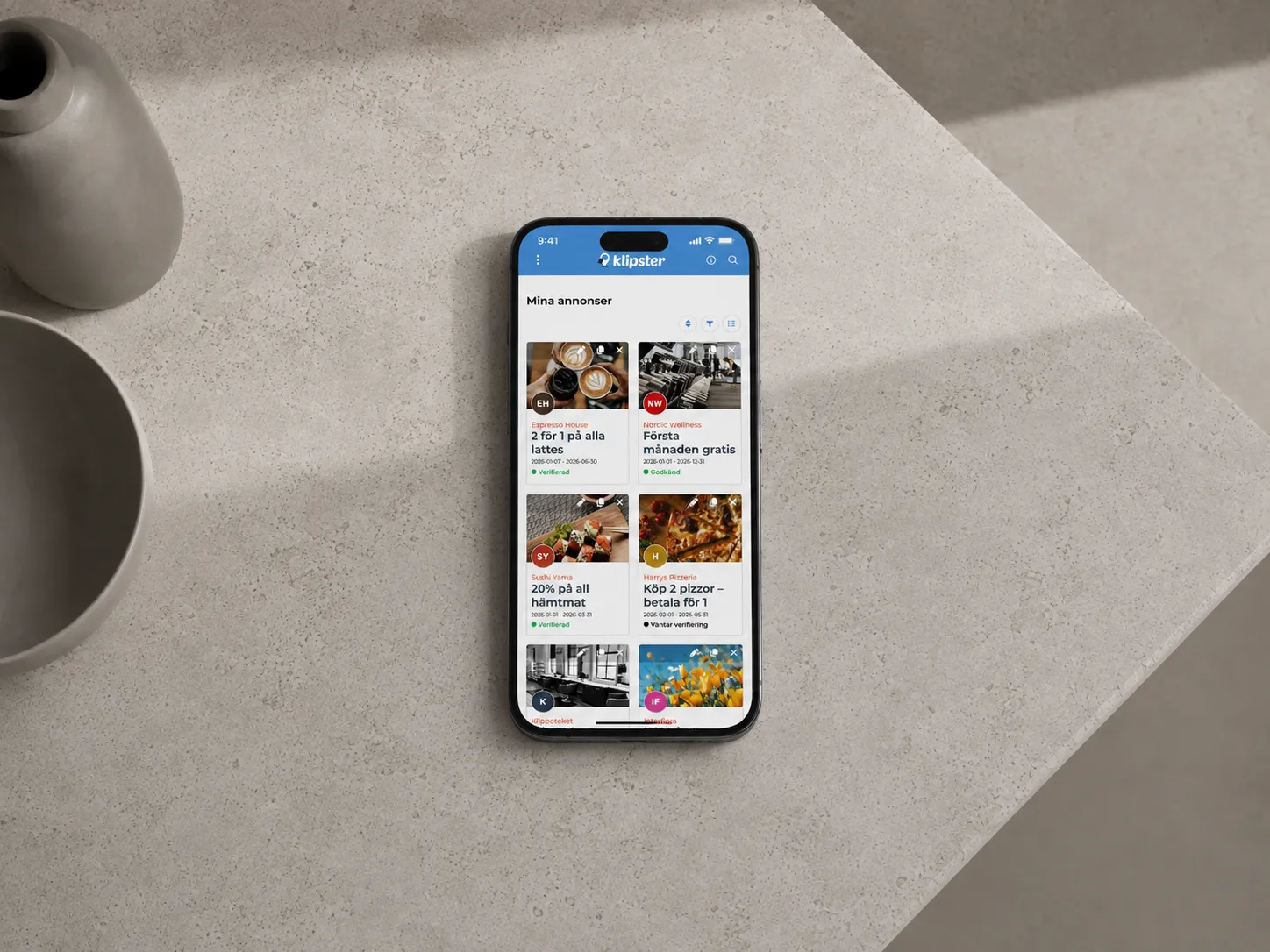
The campaign overview on mobile.
The interface adapts to a single-column layout on smaller screens, keeping campaign artwork, dates and status visible in each card. Shop owners can review current campaigns without returning to a desktop.